How to Digitise Your Invoice Approval Workflow: A Step-by-Step Guide
Digitise your invoice approval workflow with AI, 3-way PO matching, and ERP integration. Cut cycle time and audit risk. Start here.
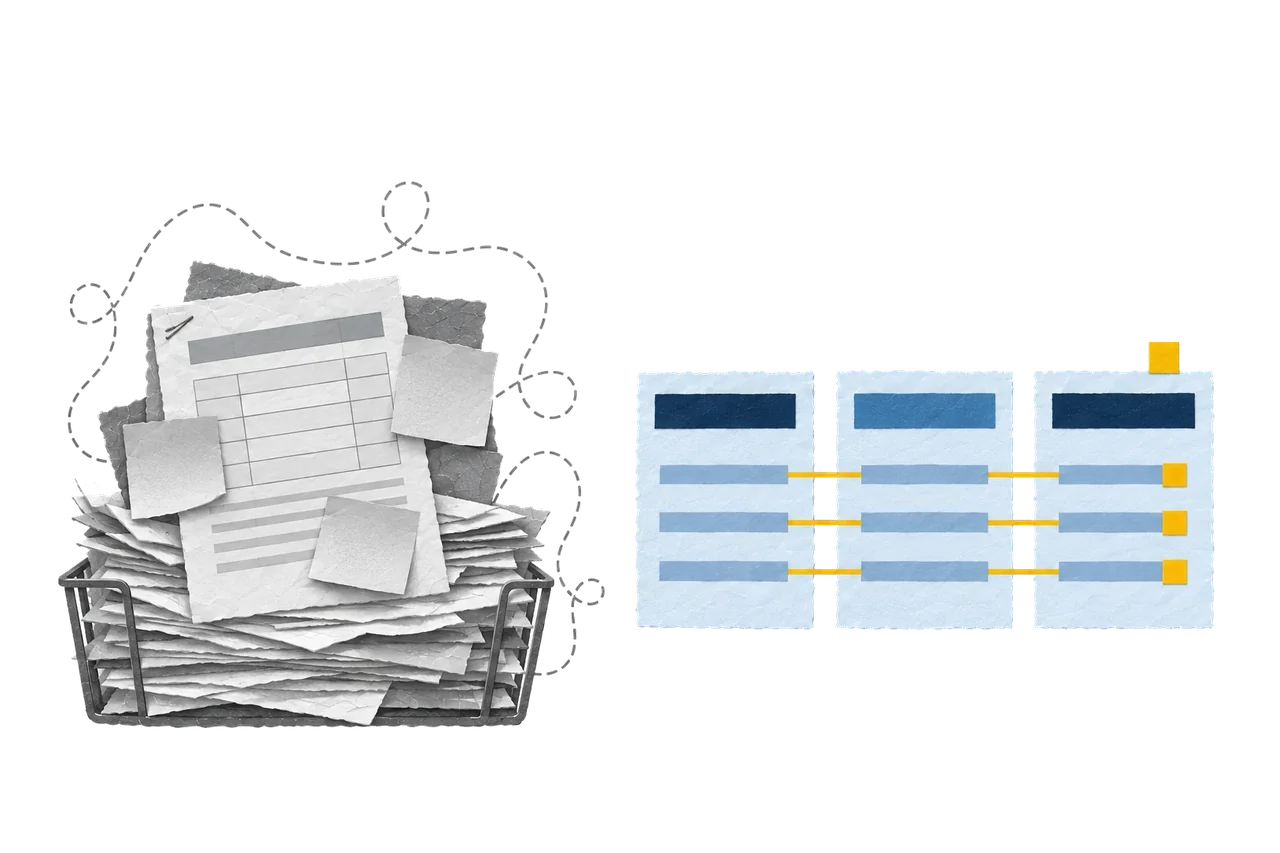
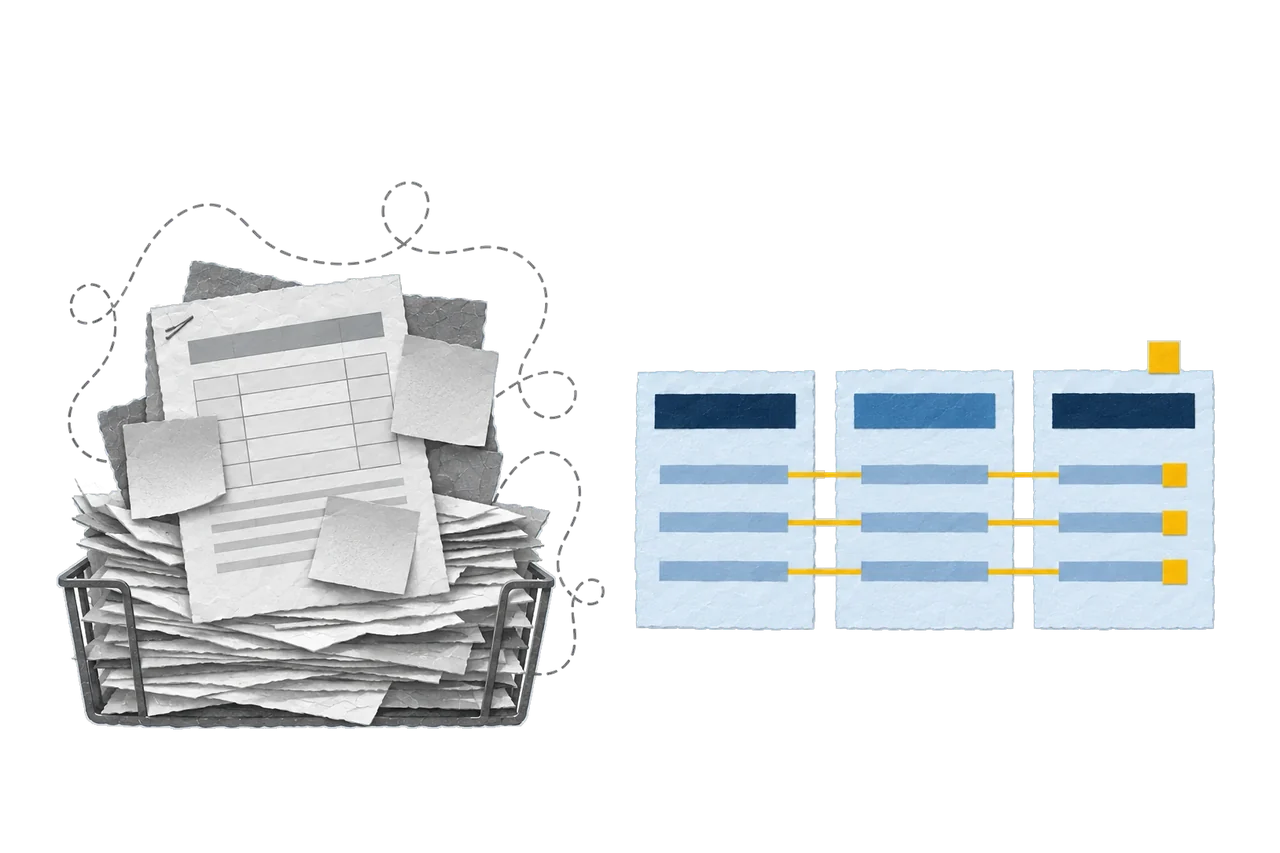
Finance teams in Germany process invoices at an average cost of €11.10 per manual invoice against €4.50 per digital one, according to Billentis 2024. The gap is the entire business case for finance leaders deciding to digitise invoice approval workflow operations across their entities. This guide breaks down the full architecture, from OCR capture, smart routing, 3-way PO matching and AI-assisted coding to GoBD-grade audit trails and deep ERP integration with SAP, NetSuite, or Dynamics 365. Cloudmaven’s consultants have architected this exact transformation since 2006 across 600+ projects in 30+ countries; the patterns below come from that field experience, not a vendor pitch.
The shift matters because manual AP bleeds money in three places at once.
Cash leakage. Missed early payment discounts (typically 2/10 net 30) and incurred late payment penalties.
Time leakage. Analysts spending up to 20% of the week chasing signatures.
Control leakage. Shadow IT in spreadsheets and inboxes that no auditor can reconstruct.
A digital invoice approval workflow restores all three. The system enforces the approval matrix without asking. It timestamps every action. It feeds SAP, NetSuite, or Dynamics 365 with clean data that posts in seconds.
For German Mittelstand and multi-entity groups operating under GoBD, the workflow is no longer optional. It is the substrate the finance function runs on.
What Does It Mean to Digitise Invoice Approval Workflow Processes and Why Does It Matter?
A digitised invoice approval workflow replaces paper, shared inboxes, and email threads with a rules-based pipeline that captures, validates, routes, approves, and posts vendor invoices inside one audited system. Every invoice carries a status, an approver, an SLA, and a coded GL entry at all times.
Why Manual Invoice Approval Fails (And Costs More Than You Think)
Manual invoice approval fails because email is not a workflow; it is a notification channel. The moment volume exceeds 500 invoices per month, the cracks become structural rather than cosmetic.
Manual AP carries a measurable financial toll. Early payment discounts are lost, and a 2% discount on €5M annual spend equals €100,000 in unrecovered cash. Late payment penalties typically run 9 percentage points above the base rate under §288 BGB in Germany. Procurement cycles stall, and three-week sign-offs forfeit market windows to faster competitors. Talent drains away, as qualified controllers chase signatures instead of analysing variance. Audit exposure grows, because reconstructing approval chains from six-month-old email threads invites compliance findings during GoBD or SOX audits.
The deeper failure is invisibility. The “CC black hole”, where invoices are forwarded across five inboxes before they disappear, produces zero recoverable status data. The “where is my request?” syndrome generates organisational friction that compounds weekly. Hierarchical chains break when a department director takes leave, and routing requires manual IT intervention to redirect documents to the acting authority.
A single missing approval can hold a six-figure payment for fourteen days. That is the real cost.
AP Automation vs Invoice Automation: What’s the Difference?
Invoice Automation
Scope: Capture → Approval
Primary Entity: Invoice document
KPI Focus: Approval cycle time, first-time match rate
Integration Depth: Document management + ERP posting
Typical Buyer: AP Manager
AP Automation
Scope: Vendor onboarding → Payment → Reconciliation
Primary Entity: Vendor relationship
KPI Focus: Cost per invoice, DPO, discount capture rate
Integration Depth: ERP, banking, procurement, treasury
Typical Buyer: CFO / Finance Director
What Are the Most Common Mistakes When You Digitise an Invoice Approval Workflow?
Most digitisation projects fail at the architecture stage, not the technology stage. The recurring mistakes are predictable. The first is hardcoding approver names, routing “to John Doe” instead of “to Cost Centre Owner”. When John leaves, the workflow breaks. Teams skip the approval matrix design, and automating an undocumented manual process replicates the dysfunction at machine speed. They ignore out-of-office logic, and without delegation rules every vacation creates a backlog. They treat OCR as a finish line, but capture without validation produces clean data entry of incorrect data. They underestimate master data hygiene, and a digital workflow on a corrupted vendor master amplifies errors rather than eliminating them. They defer ERP integration, and manual re-keying between the approval tool and the ERP defeats the entire premise. They omit exception handling design, yet 15–25% of invoices will be exceptions, and the workflow must route them, not bury them.
How Does a Digitised Invoice Approval Workflow Work Stage by Stage?
A digitised invoice approval workflow moves an invoice through seven defined stages, each with explicit owners, rules, and exit criteria. The pattern holds whether you run 200 or 200,000 invoices monthly.
The Seven Stages of Digital Invoice Approval
- Invoice Capture. Invoices enter through email, EDI, supplier portal, XML (ZUGFeRD/XRechnung in Germany), or scan. OCR with AI extracts supplier, invoice number, dates, line items, amounts, and tax values at 95–97% accuracy. All invoices land in one repository.
- Coding. AP assigns GL accounts, cost centres, project codes, and tax codes. AI suggests codes based on historical patterns at 90%+ accuracy, with AP reviewing edge cases.
- Validation & 3-Way Matching. The system compares invoice against PO and goods receipt. Matches post automatically; mismatches route to exception handling.
- Routing. A rules-based engine assigns approvers based on cost centre owner, spend threshold, entity, and category, not hardcoded names.
- Approval. Approvers act inside the platform, via mobile, or directly in Teams/Slack with one-click decisions and the full document attached.
- Exception Handling. Discrepancies (price variance, quantity mismatch, missing PO, duplicate detection) route to a defined resolver with an SLA.
- ERP Posting. Approved invoices post automatically to SAP, NetSuite, or Dynamics 365 with full coding intact. Payment runs follow standard treasury rules, and organisations running Oracle’s platform can extend this capability further through NetSuite Financial Management, covering ledger, payment execution, and period-close in a single unified environment.
Each stage produces a timestamped event. Together they form the audit trail.
How Do Smart Routing and Threshold Logic Fit into a Digitised Invoice Approval Workflow?
Smart routing reads three signals (cost centre, entity and spend value) and selects the approval path automatically. Threshold logic determines the depth of that path based on the financial risk of each invoice.
Tiered Approval Structure by Invoice Value
Under €1,000
Cost centre owner only → 24 hours
€1,000 – €10,000
Cost centre owner + department head → 48 hours
€10,000 – €50,000
Department head + Finance Controller → 72 hours
€50,000 – €250,000
Controller + CFO (parallel) → 5 business days
Over €250,000
CFO + CEO (sequential) → 7 business days
Dynamic routing reads the live organisational chart from Azure AD, Workday, or the HRIS, never a static list. The workflow adapts instantly when someone is promoted, transferred, or offboarded. Zero IT tickets required.
The principle is simple. Roles route; people don’t.
What Is 3-Way PO Matching and Why Is It Central to Invoice Approval?
3-way PO matching compares three documents (purchase order, goods receipt and vendor invoice) and confirms that price, quantity, and item match across all three before approval proceeds. It is the single most powerful fraud and error control in AP.
The mechanism operates in three checks. PO ↔ Invoice confirms the vendor is authorised to bill and the price matches the negotiated rate. Goods Receipt ↔ Invoice confirms the goods or services were actually received in the stated quantity. PO ↔ Goods Receipt confirms what was ordered is what arrived.
If all three match within tolerance (typically ±2% on price, ±5% on quantity), the invoice posts automatically with zero human touch. This is touchless invoice processing. The first-time match rate is the cleanest indicator of how well your master data, PO discipline, and capture accuracy are working together. World-class AP teams hit 80%+ first-time match rates.
Where matching fails, the system routes to exception handling rather than blocking the workflow.
How Do Delegation and SLA Enforcement Keep the Workflow Moving?
Delegation rules and SLA enforcement are the two mechanisms that prevent invoice approval workflows from stalling when humans are unavailable. They convert “I forgot” and “I’m on leave” from blockers into routine workflow events.
Delegation operates on three levels. With a standing deputy, every approver designates a permanent backup who receives invoices automatically when the primary approver is set to “out of office”. With time-bound delegation, approvers schedule delegation windows in advance (e.g., during a two-week vacation). With automatic fallback, the system escalates to the next level in the hierarchy if neither primary nor deputy responds within the SLA.
SLA enforcement applies strict deadlines per invoice tier. The system distinguishes between pending and overdue; escalation triggers only when the predefined deadline is breached.
What Role Does AI Play in a Modern Invoice Approval Workflow?
AI handles the work rules-based automation cannot reach, such as pattern recognition, anomaly detection, and context-aware suggestions. It compresses cycle time by eliminating the human bottleneck on repetitive decisions.
AI delivers measurable impact at five points in the workflow. In capture, it extracts data with 95–97% accuracy across PDF, XML, ZUGFeRD, and scanned formats. In coding, it predicts GL account, cost centre, and project code at 90%+ accuracy. In approver prediction, it goes beyond rules, learns who actually approves which invoice types and recommends the optimal approver. In anomaly detection, it flags duplicate invoices, unusual amounts, and suspicious supplier behaviour. As a conversational AP assistant, an embedded copilot answers “where is invoice #47829?” without anyone opening a report.
AI does not replace the controller. It eliminates the 70% of work that should not have required a controller in the first place.
What Compliance and Audit Requirements Must Your Workflow Meet?
A compliant invoice approval workflow in Germany must satisfy GoBD, §14 UStG for invoice content, and §147 AO for retention. Multi-national groups add SOX, GDPR, and IFRS reporting requirements on top.
Unalterable Audit Trail
Every action timestamped, user-stamped, and write-once
Retention Period
8 years (Germany), with format-preserving archiving (GoBD Rz. 131)
Original Invoice Integrity
Hash-secured storage; original file retrievable on demand
Segregation of Duties
The same user cannot create the PO, receive the goods, and approve the invoice
Access Control
Role-based permissions enforced at field level, not just page level
Tax Compliance
Automated VAT validation against the supplier’s VAT ID and country rules
E-Invoicing Readiness
XRechnung mandatory for B2G; ViDA reforms expanding B2B requirements from 2030
Trust travels through evidence.
What Does Deep ERP Integration Look Like in an Invoice Approval System?
Deep ERP integration means approved invoices post to the ledger automatically with full coding intact (vendor, GL account, cost centre, project, tax code, payment terms) and trigger the payment cycle without any re-keying. Anything less is partial automation.
The integration depth ladder has four rungs.
- File export. The workflow generates a CSV; AP imports it manually. Slow and error-prone.
- API push. The workflow calls the ERP and creates a vendor bill. Good for low-volume environments.
- Real-time bidirectional sync. Vendor master, PO data, GL structure, and cost centre hierarchy flow continuously between systems. Bills post in seconds.
- Native embedding. The approval workflow lives inside the ERP (NetSuite SuiteApps, SAP Fiori apps). Single data model, zero sync conflicts, and reaching this level of ERP-native AP automation typically requires a structured NetSuite Implementation, one that maps your subsidiary structure, chart of accounts, and approval matrix before a single workflow rule is configured.
For Mittelstand companies running SAP S/4HANA, native integration is the standard. NetSuite users benefit from SuiteApp-based AP automation tools that operate inside the same data model, so vendor records, subsidiaries, and the chart of accounts stay in sync without middleware. Dynamics 365 customers typically use Power Automate flows tied to the Common Data Service.
The integration test is simple. Can the AP team go a full week without touching the ERP UI? If yes, the integration is deep enough.
How Do You Manage Multi-Entity Complexity in Invoice Approvals?
Multi-entity AP requires one platform that respects N charts of accounts, N approval matrices, N tax regimes, and N base currencies while delivering one consolidated view to group finance. This is where most invoice automation tools collapse.
The architecture must handle four dimensions in parallel.
- Entity-specific approval matrices. The German GmbH approves at €25K threshold; the Swiss AG approves at CHF 15K; the US LLC approves at $30K
- Charts of accounts mapping. Local GL codes mapped to group consolidation accounts automatically
- Intercompany invoice handling. Automated detection and elimination logic during posting
- Currency and tax rules. VAT for Germany, MwSt for Austria, sales tax for the US, applied based on entity, not user
Group controllers need one dashboard showing total payables across all entities. Local controllers need one dashboard showing only their entity. Both views run on the same data, with permissions enforcing the split.
For DACH groups with shared service centres, the platform must route invoices from a Dutch entity to the Polish SSC for processing while preserving the Dutch entity’s approval rules. This is non-trivial. Choose accordingly, and CFOs navigating this architecture complexity will find structured Management Consulting for CFOs invaluable, particularly when cross-border payables, intercompany eliminations, and group consolidation requirements must be resolved before any platform vendor is selected.
What Are the Best Practices for a Reliable Digital Invoice Workflow?
A reliable digital invoice workflow rests on nine practices that hold across industries, entity counts, and ERP platforms. Skip any one and the workflow degrades within six months.
These are the core practices.
- Standardise and document every step. Define ownership, exit criteria, and SLA per stage before any configuration begins
- Tie routing to roles, not names. Every approver is a role; every role is a position; every position lives in the HRIS
- Establish a written approval matrix. Thresholds, escalations, segregation rules, signed off by the CFO
- Use AI for coding, routing, and anomaly detection. Let the model handle volume; let humans handle exceptions
- Automate reminders and escalation paths. No human chases an approver
- Enable mobile and Teams/Slack approvals. Executives approve from where they already work
- Centralise visibility through a single dashboard. One source of truth, full audit trails attached
- Build for multi-entity from day one. Even if you have one entity today, design for ten
- Integrate the ERP tightly enough to eliminate double entry. Anything less is half a project
The principle behind all nine is to design the workflow once and enforce it always, which is precisely why finance leaders in the DACH region engage Strategic consulting partners before any platform selection to validate the approval matrix, entity structure, and ERP integration strategy against their actual operational complexity.
Best practices are worthless if the system cannot apply them consistently.
How Should Your Digitise Invoice Approval Workflow Differ by Company Size?
A 50-person company processes invoices fundamentally differently from a 5,000-person group, and the architecture must reflect that. Forcing enterprise complexity on an SME bankrupts the project; underbuilding for an enterprise creates a system that breaks within a year.
SME (< 100 FTE)
Invoice Volume: < 500 / month
Approval Levels: 1–2
Entities: 1–2
Recommended Tool: NetSuite + native AP module
Integration Depth: Pre-built SuiteApp connector
AI Capability: Basic OCR + coding suggestions
Implementation: 4–8 weeks
Mid-Market (100–1,000)
Invoice Volume: 500–10,000 / month
Approval Levels: 2–4
Entities: 2–10
Recommended Tool: NetSuite + SuiteApp AP automation
Integration Depth: Real-time API sync via SuiteTalk
AI Capability: Full AI suite including anomaly detection
Implementation: 3–6 months
Enterprise (1,000+)
Invoice Volume: 10,000+ / month
Approval Levels: 3–5
Entities: 10+
Recommended Tool: NetSuite OneWorld + embedded AP suite
Integration Depth: Native embedded, with a single data model and zero middleware
AI Capability: AI + predictive analytics + custom models
Implementation: 6–18 months
The trap is buying for tomorrow’s volume at today’s price. Size for current volume plus 24 months of projected growth. Re-architect when you cross a tier; do not over-build.
How Long Does It Take to Digitise Invoice Approval Workflows?
Realistic timelines run 8 to 24 weeks depending on scope, entity count, and ERP complexity. Anyone promising “live in 30 days” is selling configuration, not transformation.
This is the standard implementation breakdown.
- Weeks 1–2. Discovery and design, with current state mapping, approval matrix workshops and exception cataloging
- Weeks 3–4. System configuration, with workflow rules, routing logic, threshold setup and role definitions
- Weeks 5–8. ERP integration, with vendor master sync, GL structure mapping and posting tests
- Weeks 9–10. User acceptance testing, in which the finance team runs 200+ test invoices through the full workflow
- Weeks 11–12. Training and parallel run, with old and new systems side-by-side and daily reconciliation
- Week 13. Go-live, a full cutover with hypercare support
- Weeks 14–20. Optimisation, as AI models train on real data, routing rules are refined and KPIs are baselined
Multi-entity rollouts add 4–8 weeks per additional entity if the entities share an approval framework, or 8–16 weeks per entity if each has unique rules.
Speed is not the goal. Stability is.
Which KPIs Should You Track After You Digitise Your Invoice Approval Workflow?
Seven KPIs separate a working digital workflow from an expensive document repository. Track them monthly; review them quarterly with the CFO.
These are the KPIs that matter.
- Cost per invoice. Fully loaded cost (labour + technology + overhead) per processed invoice. The benchmark is €4–€6 digital vs €11–€20 manual.
- Approval cycle time. Hours from capture to “approved for payment”. The benchmark is under 72 hours.
- First-time match rate. Percentage of invoices matching PO and GR without human intervention. The benchmark is 70–85%.
- Touchless invoice processing rate. Percentage of invoices flowing capture → approval → posting with zero human touch. The benchmark is 40–60%.
- Exception rate. Percentage of invoices requiring manual intervention. The benchmark is 15–25%.
- Discount capture rate. Percentage of available early payment discounts actually taken. The benchmark is 75%+.
- Manual touchpoints per invoice. Count of human interactions per invoice. The benchmark is under 2.
Numbers prove the case. A reduction in manual touchpoints of 80% post-deployment is the threshold that distinguishes a successful implementation from a cosmetic one.
How to Choose the Right Software to Digitise Invoice Approval Workflows?
The right software is the one that matches your ERP, your entity structure, and your invoice volume, not the one with the largest Gartner footprint. The selection criteria are concrete, not abstract.
Score every vendor on these twelve evaluation criteria.
- ERP integration depth. Native, certified, or middleware? Pre-built or custom?
- OCR/AI accuracy on your invoice types. Request a pilot using 100 of your real invoices
- Multi-entity and multi-currency support. Handles your full structure without workarounds
- Approval matrix flexibility. Supports unlimited tiers, parallel paths, conditional logic
- GoBD and audit compliance. Certified; provides audit-ready reports out of the box
- Mobile and Teams/Slack approval support. Measured by adoption, not feature list
- E-invoicing format support. ZUGFeRD, XRechnung, PEPPOL, Factur-X
- Vendor portal and self-service. Reduces inbound supplier queries by 50%+
- Reporting and analytics. Real-time dashboards, not nightly batch reports
- Implementation methodology. Fixed-price or T&M, defined deliverables
- Total cost of ownership over 5 years, covering licence, implementation, integration, training and ongoing support
- Reference customers in your industry and size. Call three and ask about year-two pain
The “best” software does not exist. The right fit does. A six-week structured selection process saves twelve months of post-go-live regret.
Where Do You Start If You Want to Digitise Your Invoice Approval Workflow Today?
Start with a current-state assessment, not a vendor demo. Map your existing invoice flow on a single page, with every stage, every owner, every handoff, every exception type and every system involved. The map exposes the architecture before any tool is selected.
Take these three actions this quarter.
- Measure baseline KPIs. Cost per invoice, cycle time, exception rate, discount capture. Without baseline, ROI is theoretical.
- Document your approval matrix. Every threshold, every approver role, every escalation. If it cannot be documented in one workshop, it cannot be automated.
- Audit your ERP and master data hygiene. Vendor master deduplication, GL structure cleanup, cost centre alignment. Automation amplifies what already exists.
Once the foundation is documented, vendor selection becomes a 6-week exercise rather than a 6-month one. The decision criteria are no longer abstract; they are mapped against a concrete current state.
To digitise invoice approval workflow operations is to redesign your finance architecture, which is exactly why the project should never sit with IT alone. The CFO owns the outcome. The AP manager owns the daily mechanics. The systems team owns the integration. Cloudmaven brings the fourth seat to the table, with 120+ consultants and engineers who have implemented this finance architecture for CFOs across the DACH market and 30+ countries since 2006, combining NetSuite implementation depth with process expertise and AI-supported optimisation.
Every month of delay costs measurable cash in missed discounts, late payment penalties under §288 BGB, and analyst hours spent chasing signatures.
The financial case is quantified. The architecture is documented. The next step is a conversation.